What’s coming
Storage City
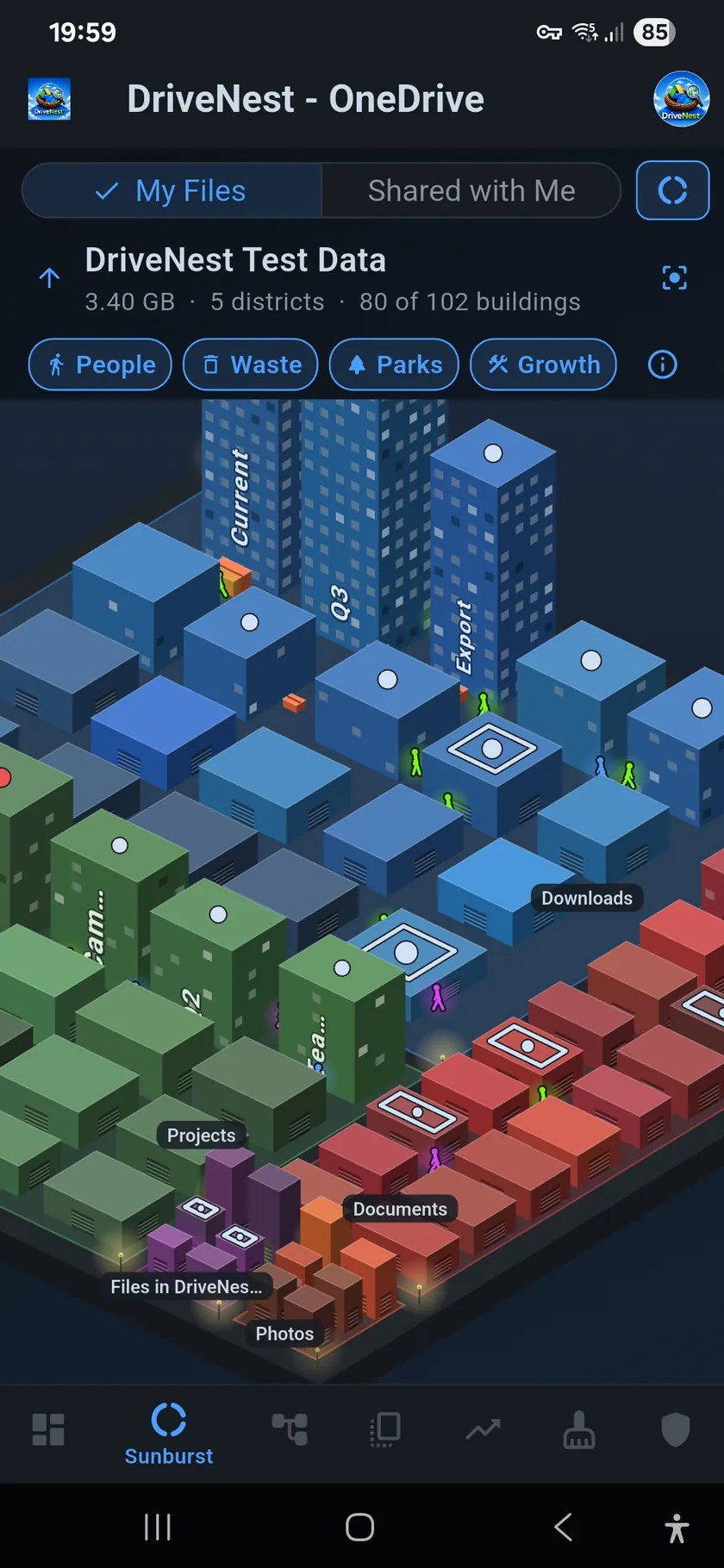
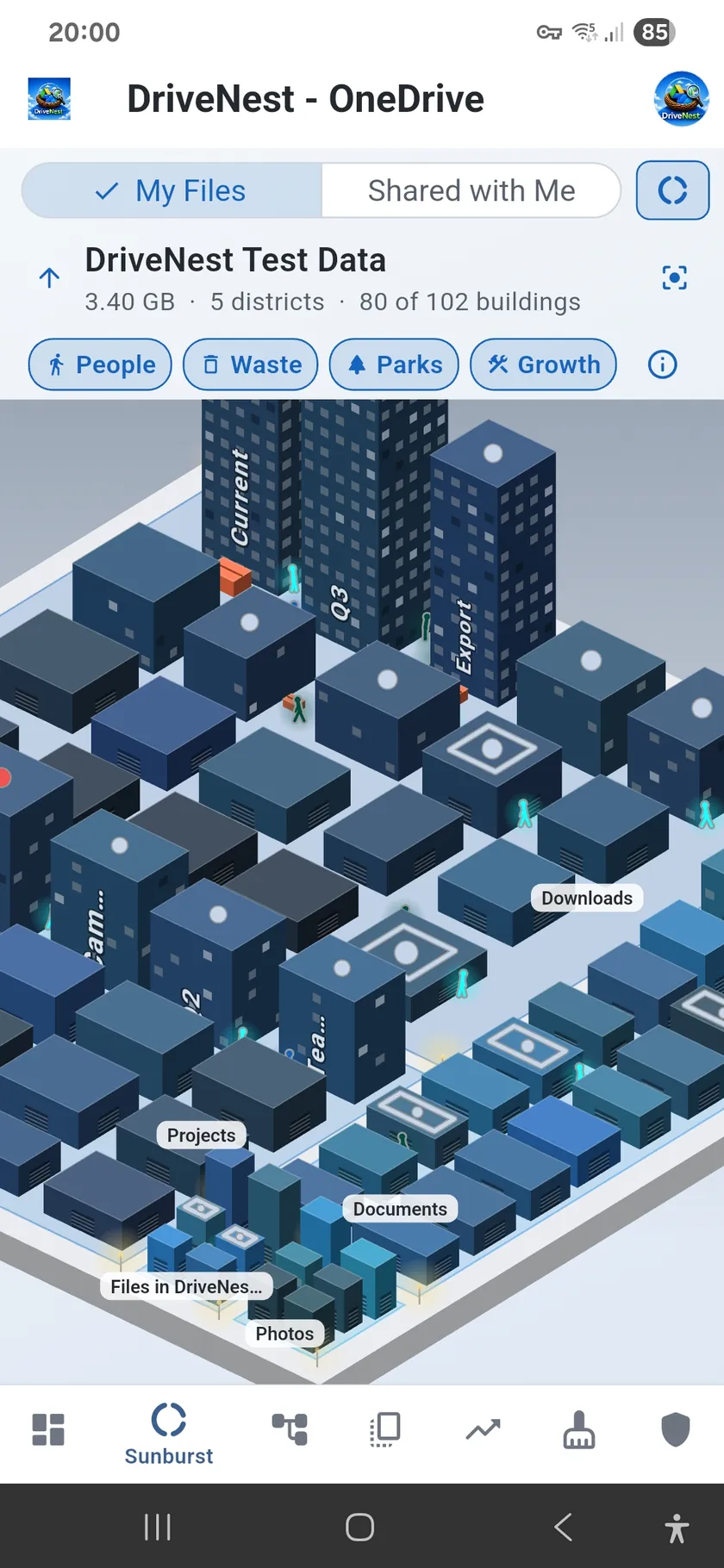
Your folders will rise as a city. Each subfolder becomes a district, and what is inside it stands there as buildings, as tall as they are large. Lit windows mark recent changes, and day and night follow your clock.
Walk in. One finger moves the city; two fingers turn, zoom and tilt it. Double-tap to step inside, and the back button walks you out again. The city and the sunburst stay in step: select a folder in one and it is selected in the other.
Four layers add something to read at a glance, each one tap from off:
- People — a walker for each person an item is shared with, up to five per building; red means anyone with the link. Tap one to see what that person can open, with the unshare actions
- Waste — a dumpster beside a building holds its duplicate copies, bigger for more wasted space. Tap it for the copies, with the cleanup actions
- Parks — at the top level the ground is your storage quota, so the park around the buildings is your free space. On Google Drive the quota also counts Gmail and Photos
- Growth — a crane stands on each building with files added or changed since your previous saved scan
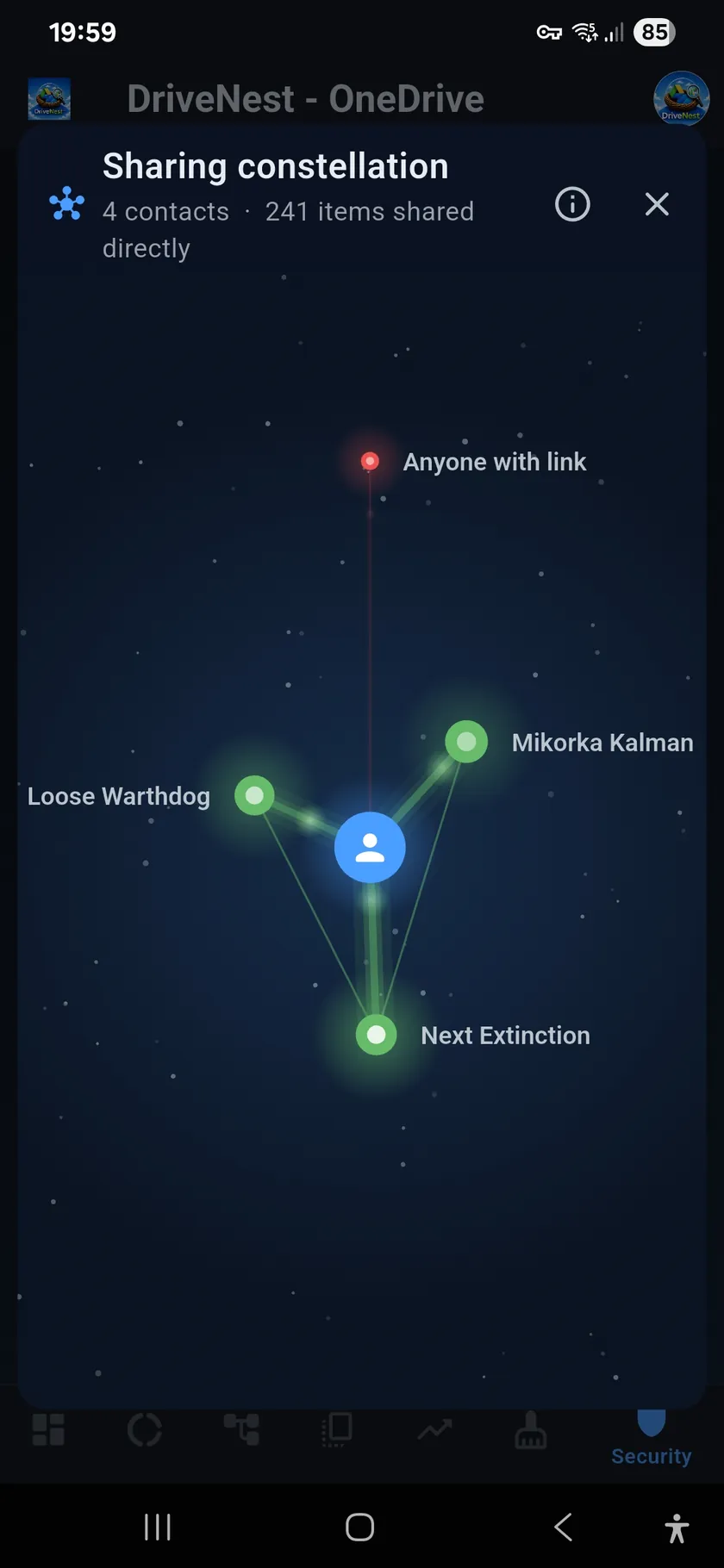
Sharing Constellation
Everyone you share with, as a night sky. You are at the centre, and each star is someone you share with directly. The closer and larger a star, the more of your items that person can open.
- Glowing lines — thicker and brighter the more a contact can open. Tap a line for that person’s items, with the unshare actions
- Constellations — contacts at the same email domain share a slice of the sky in one colour
- The red star — the items open to anyone who has the link
- Up to 150 stars — the contacts with the most access are drawn, and the rest are counted
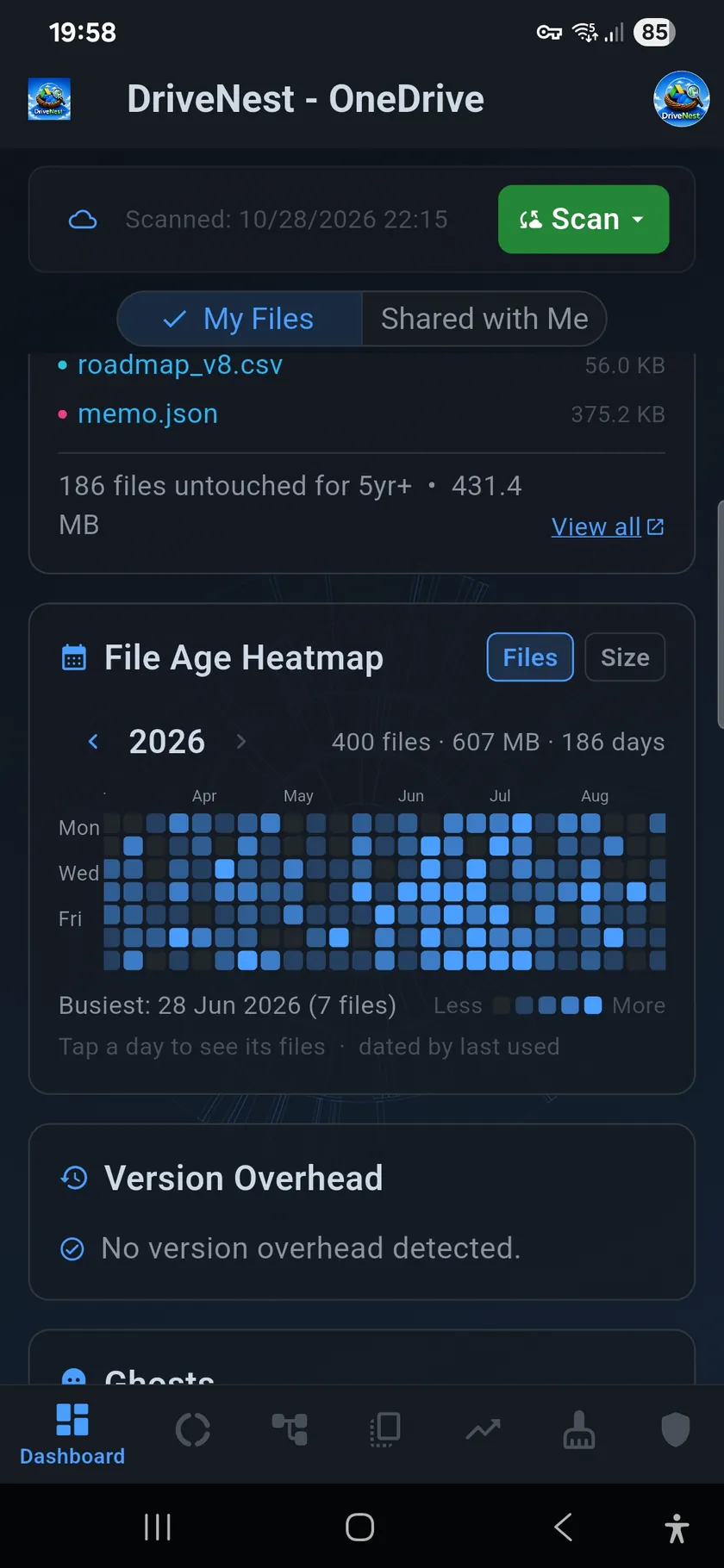
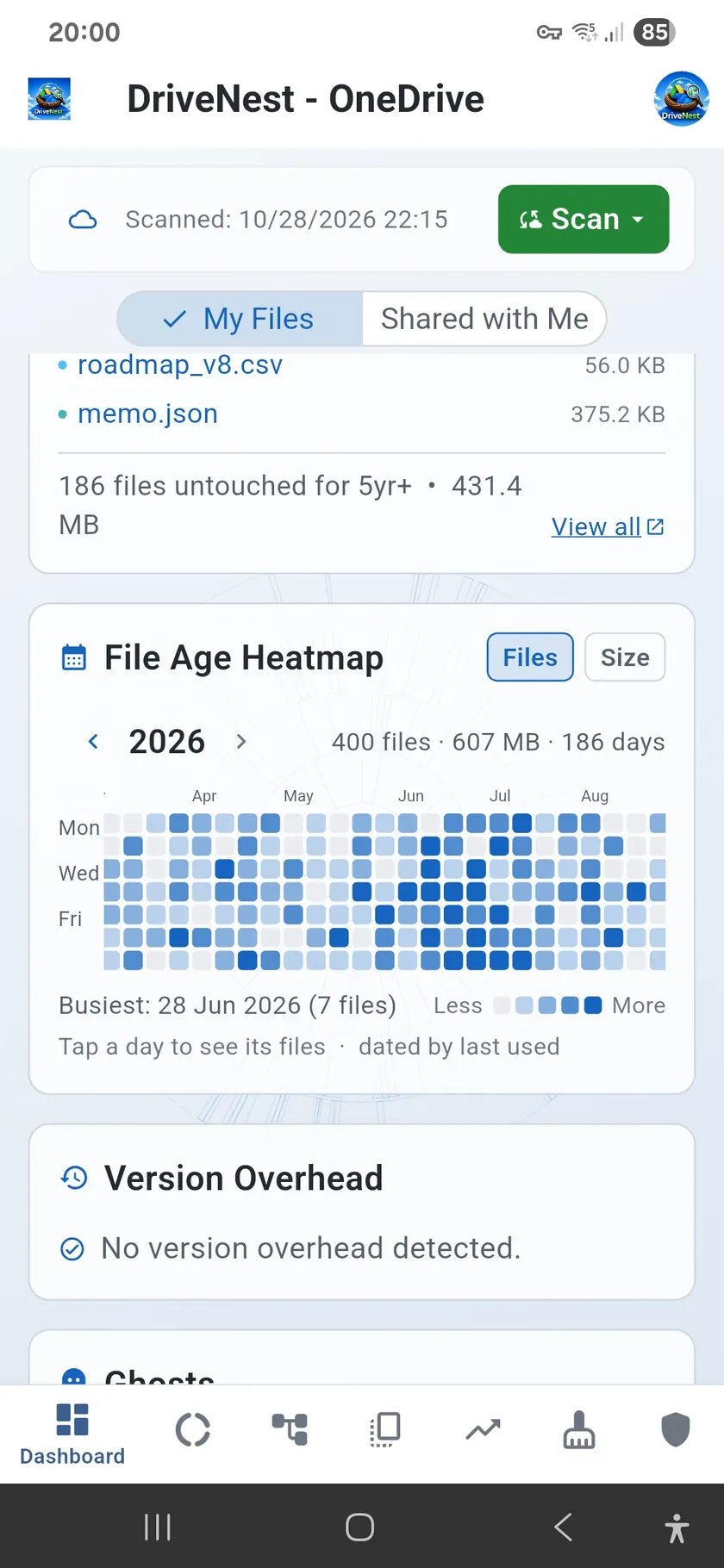
File Age Heatmap
One year at a time as a grid of days, each shaded by how many files were last used or changed that day. Switch to size to see the bytes instead, and tap a day to list its files.
It follows the app’s age setting: last used by default, or last modified. OneDrive reports no views, so on OneDrive “last used” means last changed. For how DriveNest reads the age of your files, see File Age.